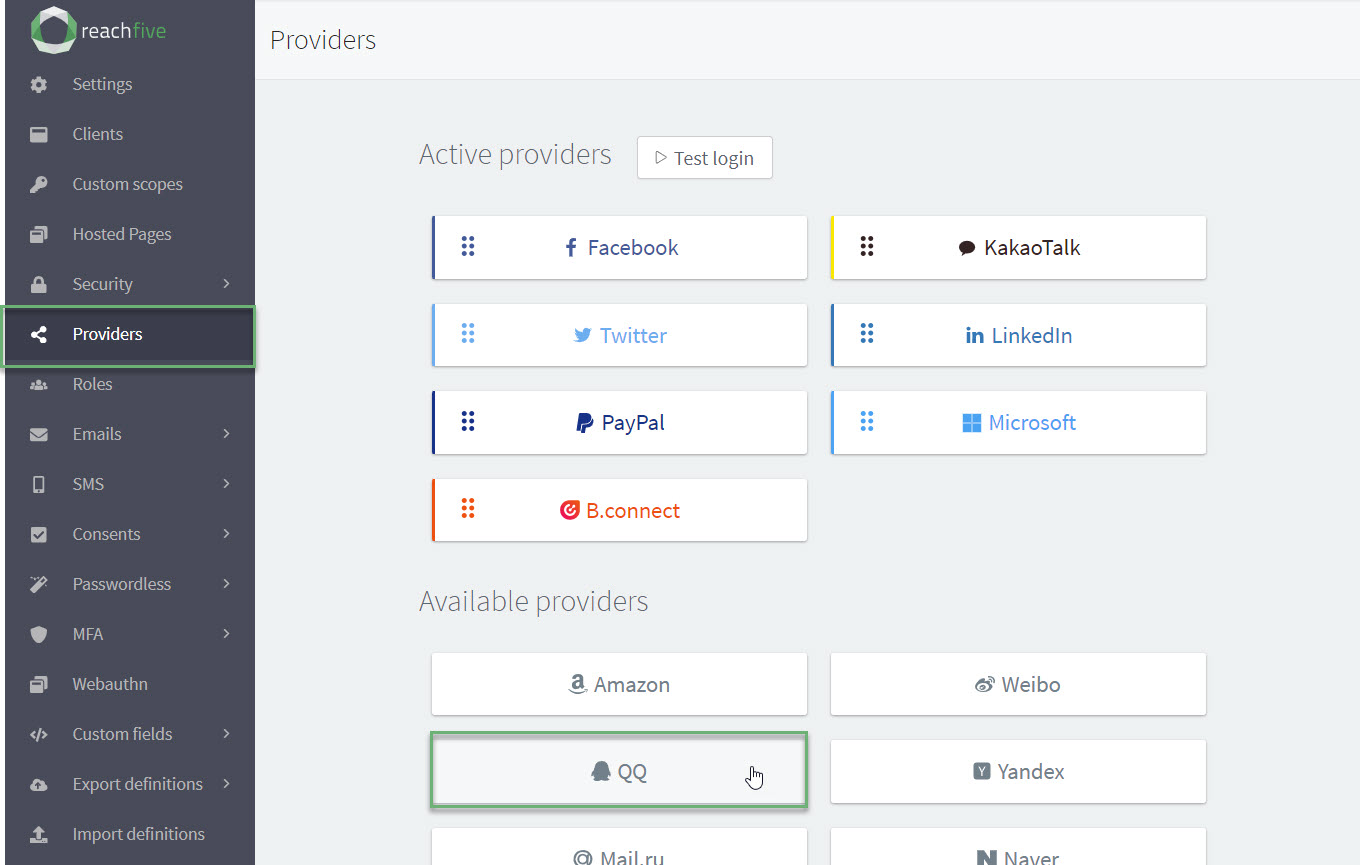
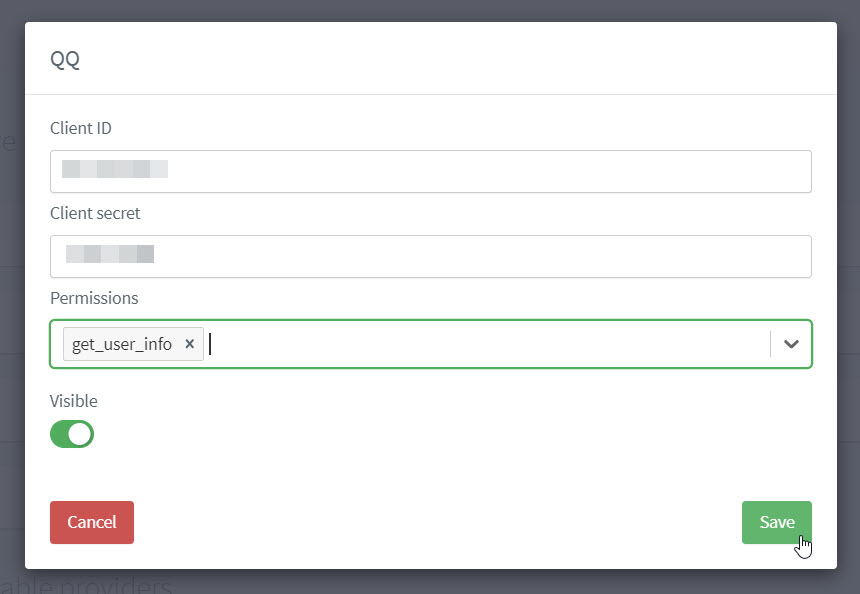
To use QQ as a social login provider, you need a Client ID and Client Secret from your QQ app.
You’ll then need to copy those keys into your Purse Identity settings.
QQ  steps
steps
stepsThe instructions on this page are for the Purse Identity Console using QQ information.
The most important thing to connect Purse Identity with your QQ application is the callback URL needed when setting up the app on the QQ side.
https://YOUR_PURSE_IDENTITY_DOMAIN/login/callback (1)| 1 | Where YOUR_PURSE_IDENTITY_DOMAIN is the domain found in your Purse Identity Console settings. |
For detailed steps on using QQ’s platform, see the official site.
What profile information is collected by Purse Identity?
We are able to retrieve the following information from the user’s QQ account into their Purse Identity account:
-
The QQ user ID
-
Username
-
Name
-
The profile nickname
-
Gender
-
Profile photo URL
Prerequisites
-
You must have access to the Purse Identity Console.
-
You must have a Developer, Manager, or Administrator role.