Weibo Connect
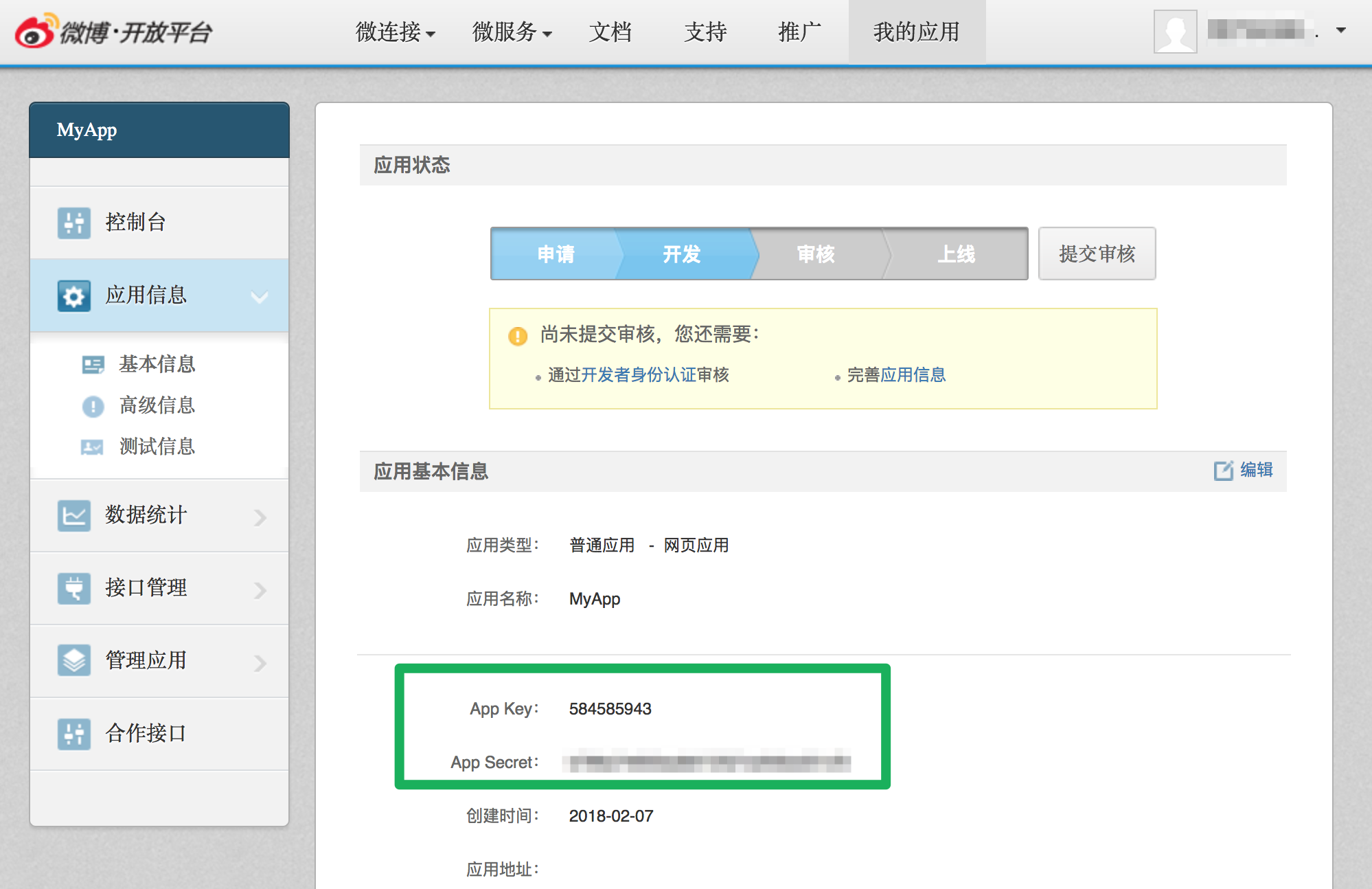
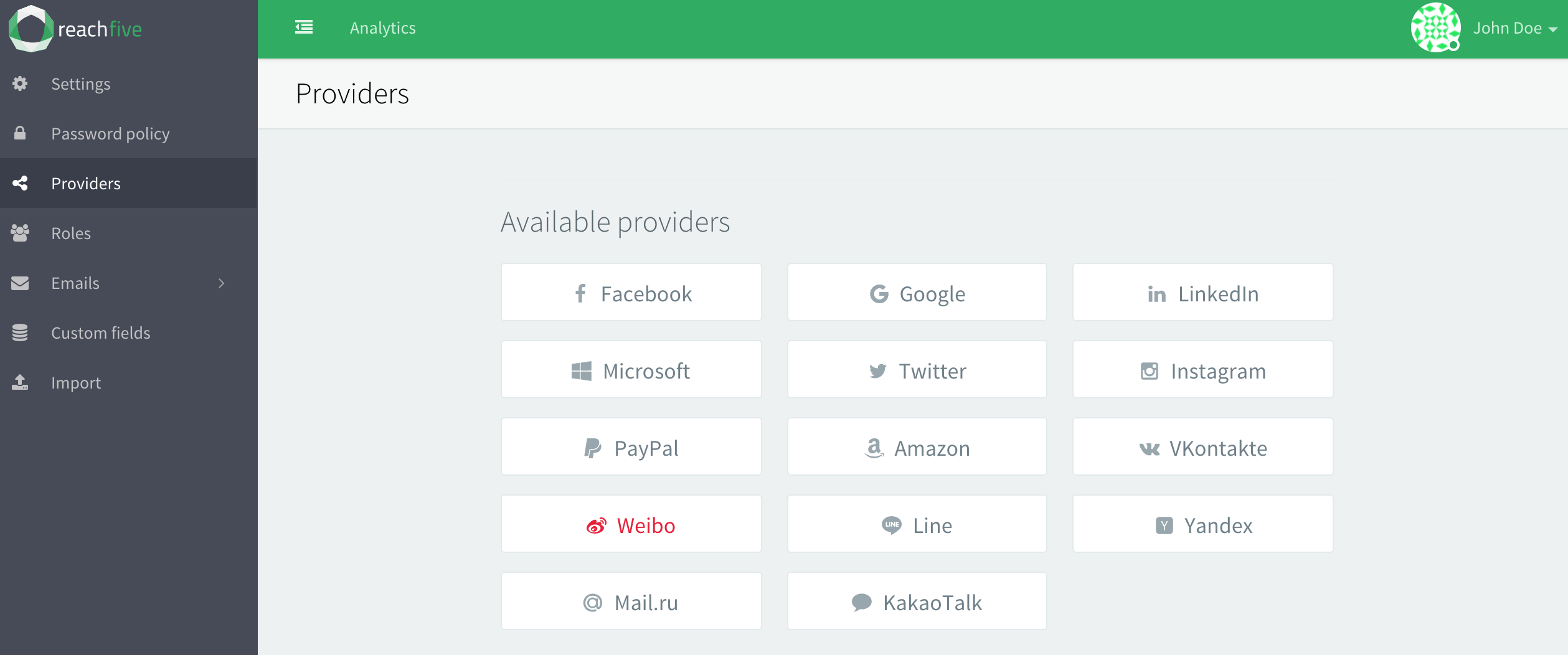
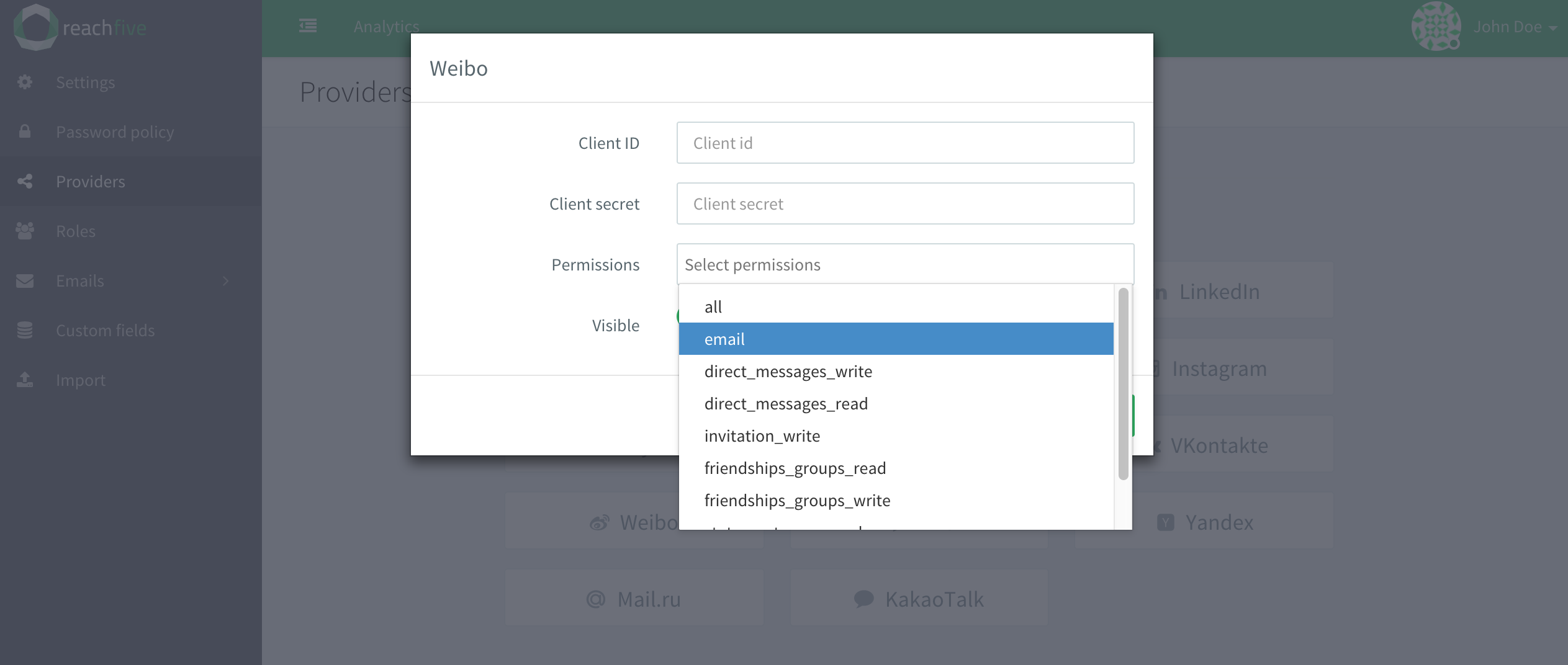
To use Weibo as a social login provider, you will need an App ID and App Secret from your Weibo app, then copy these keys into your Purse Identity settings.
This docs detail steps by steps how to create a Weibo App and connect it to your Purse Identity account.
Developer Access
Log in into Weibo.
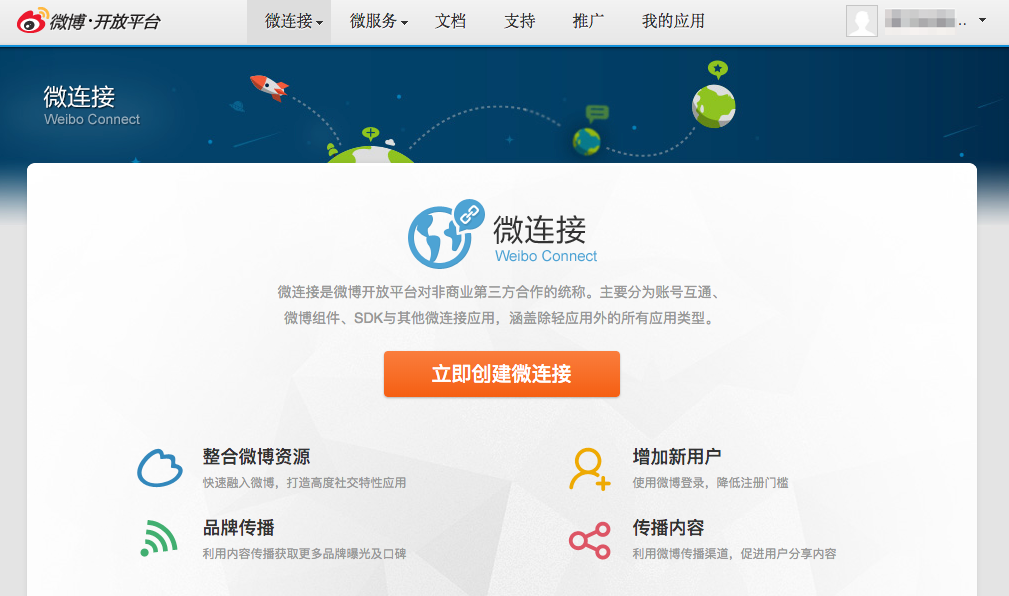
Go to the Development page and choose Web Application type apps.
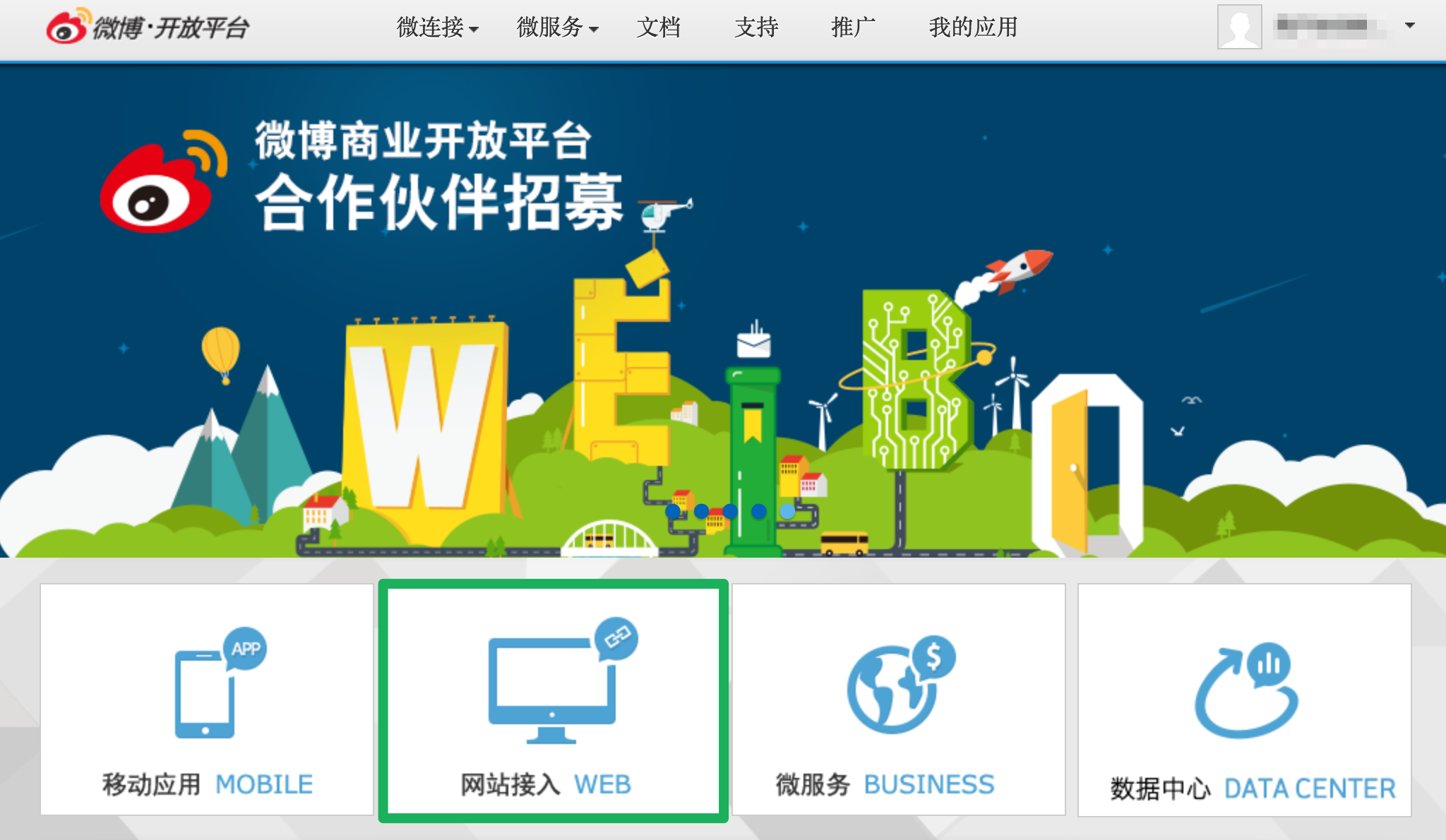
Create a new application.
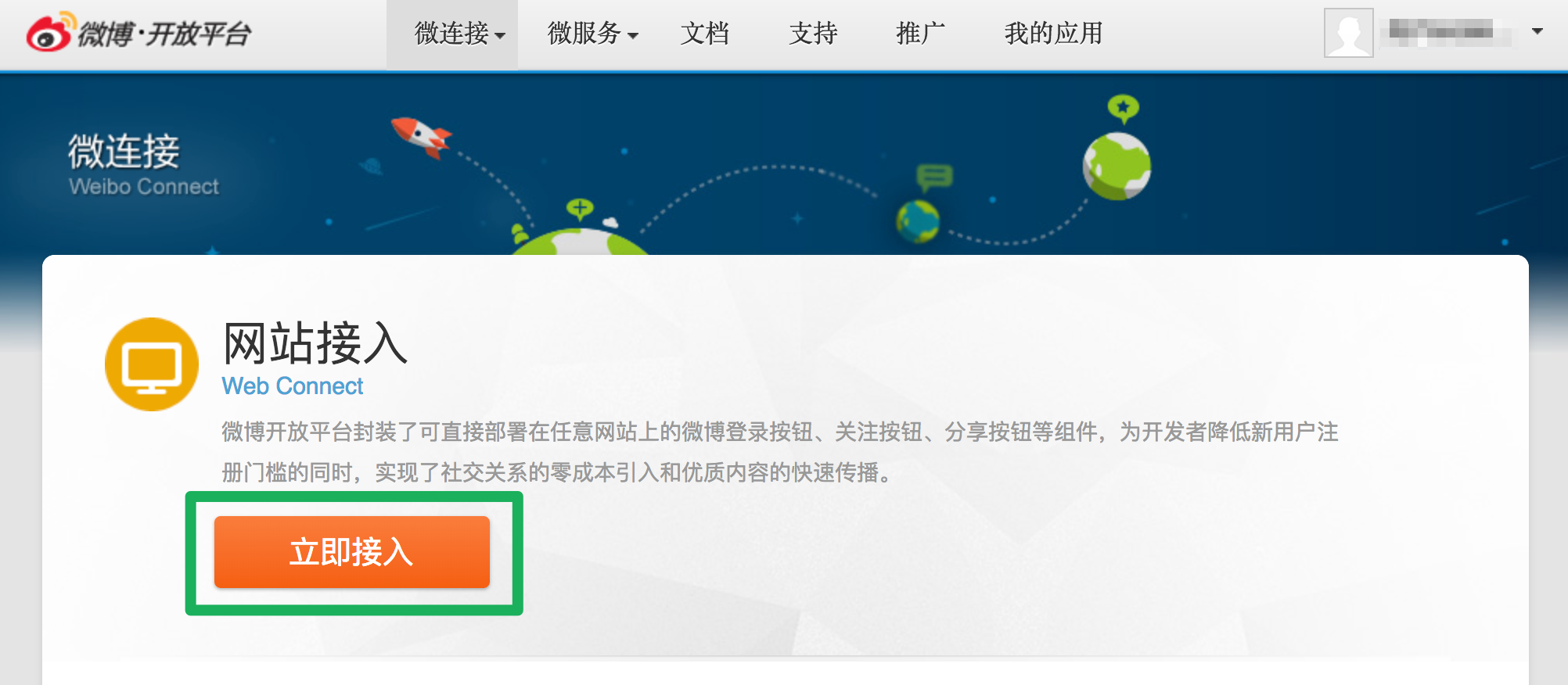
Create a new Application
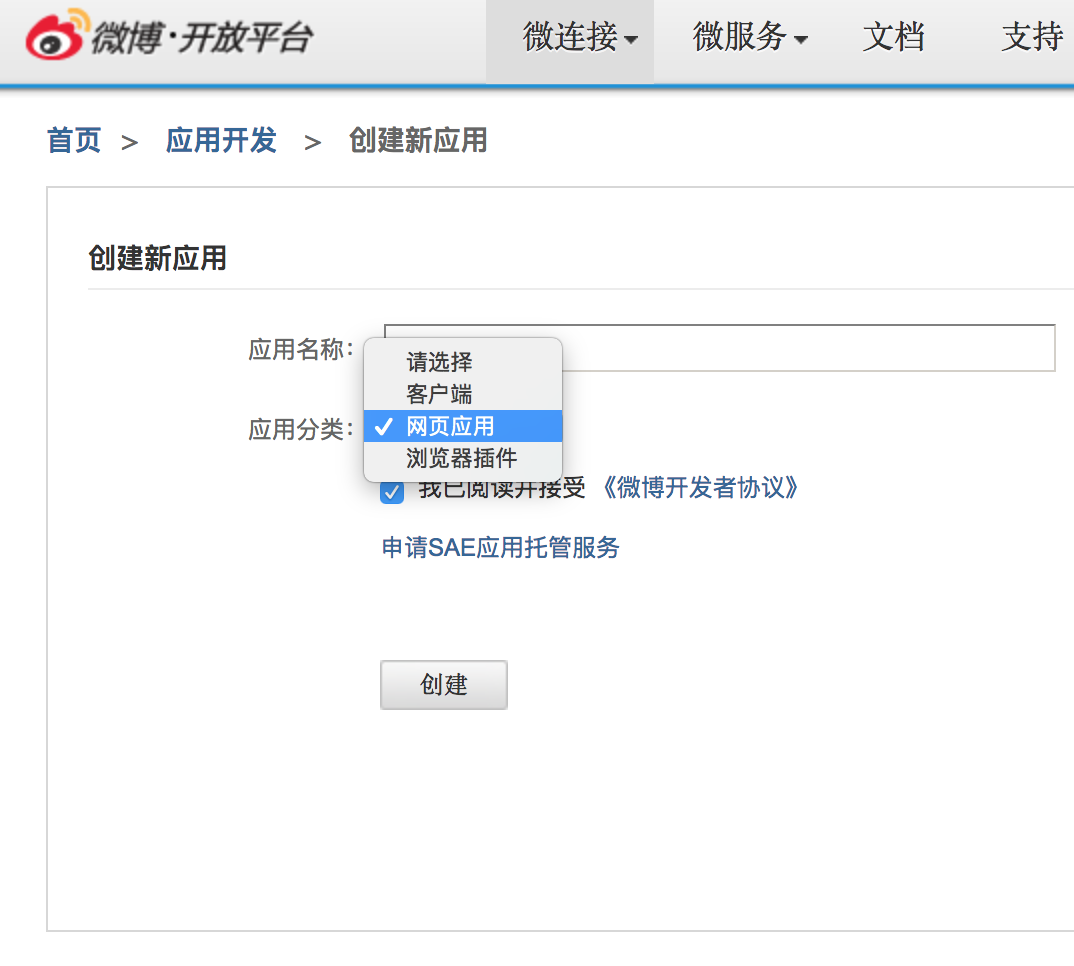
Add a name to your application. Make sure to choose the third option (网页应用) on the list and check box to agree the Terms.
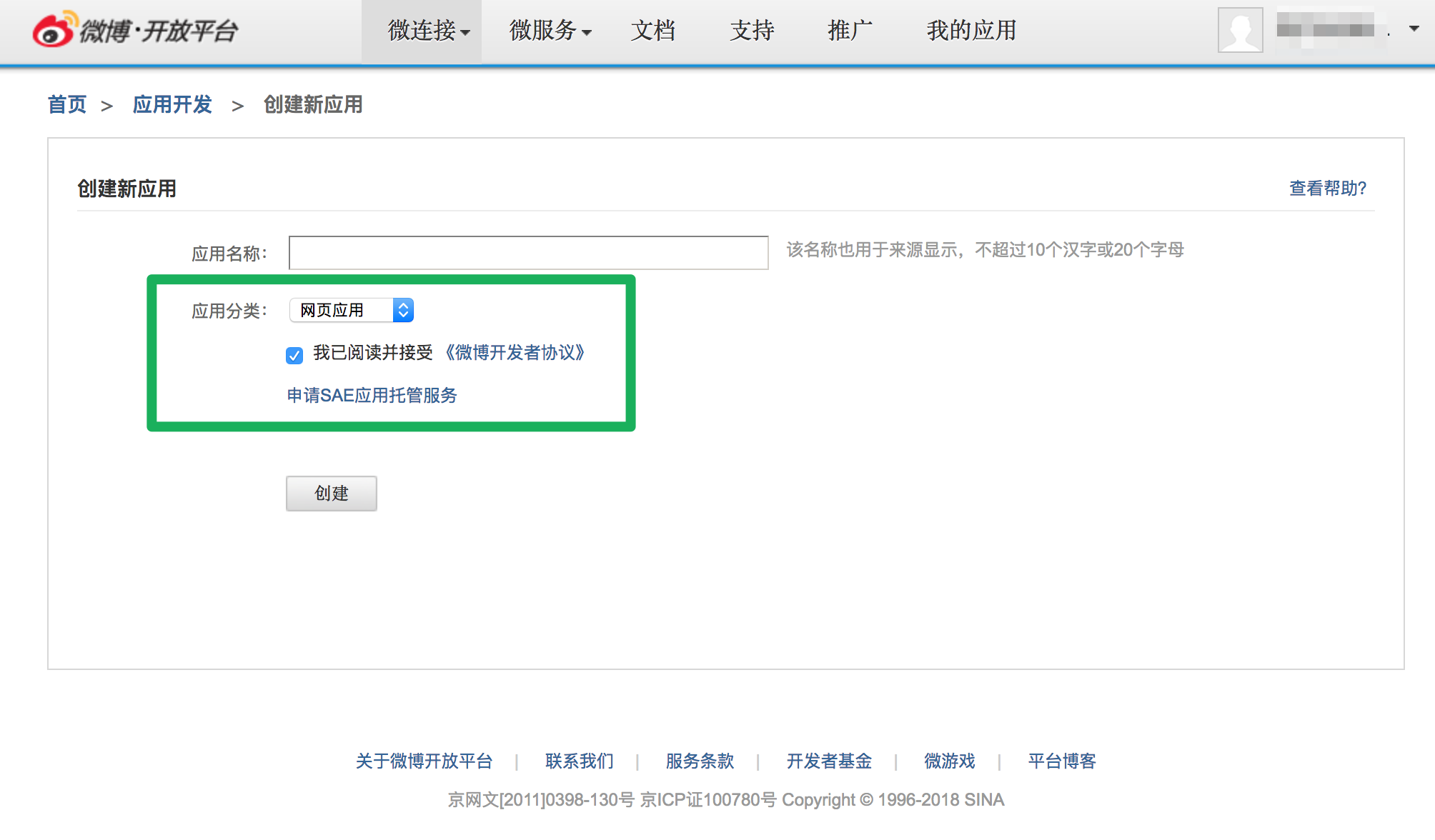
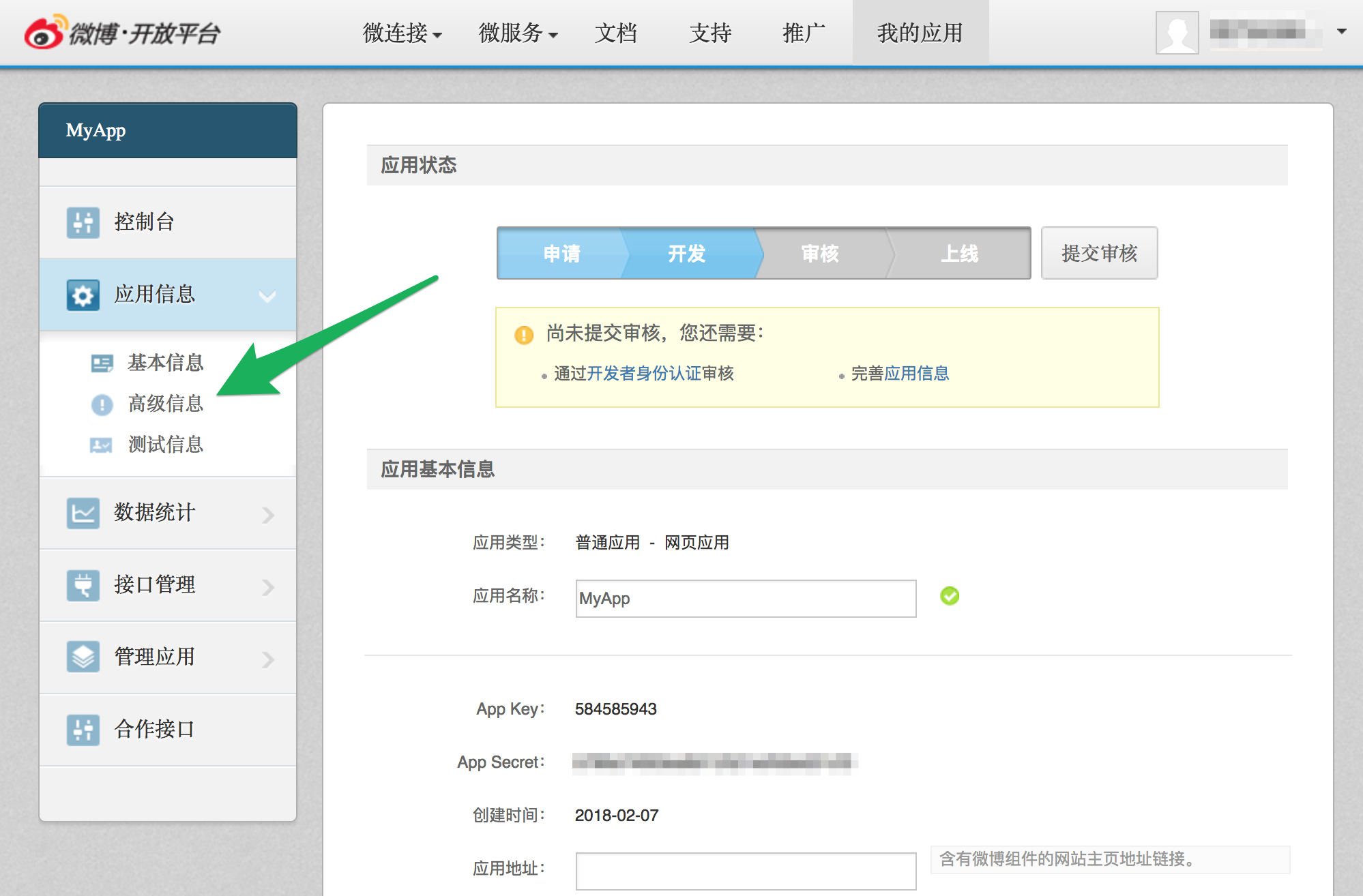
Configure your application
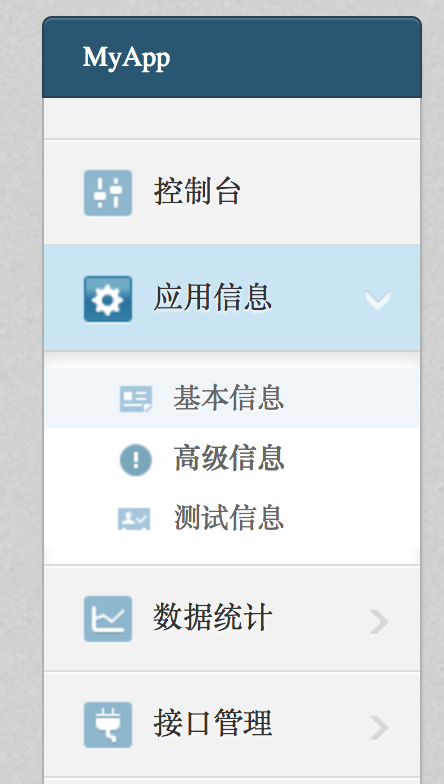
In next screen. Choose Advanced options (高级信息).
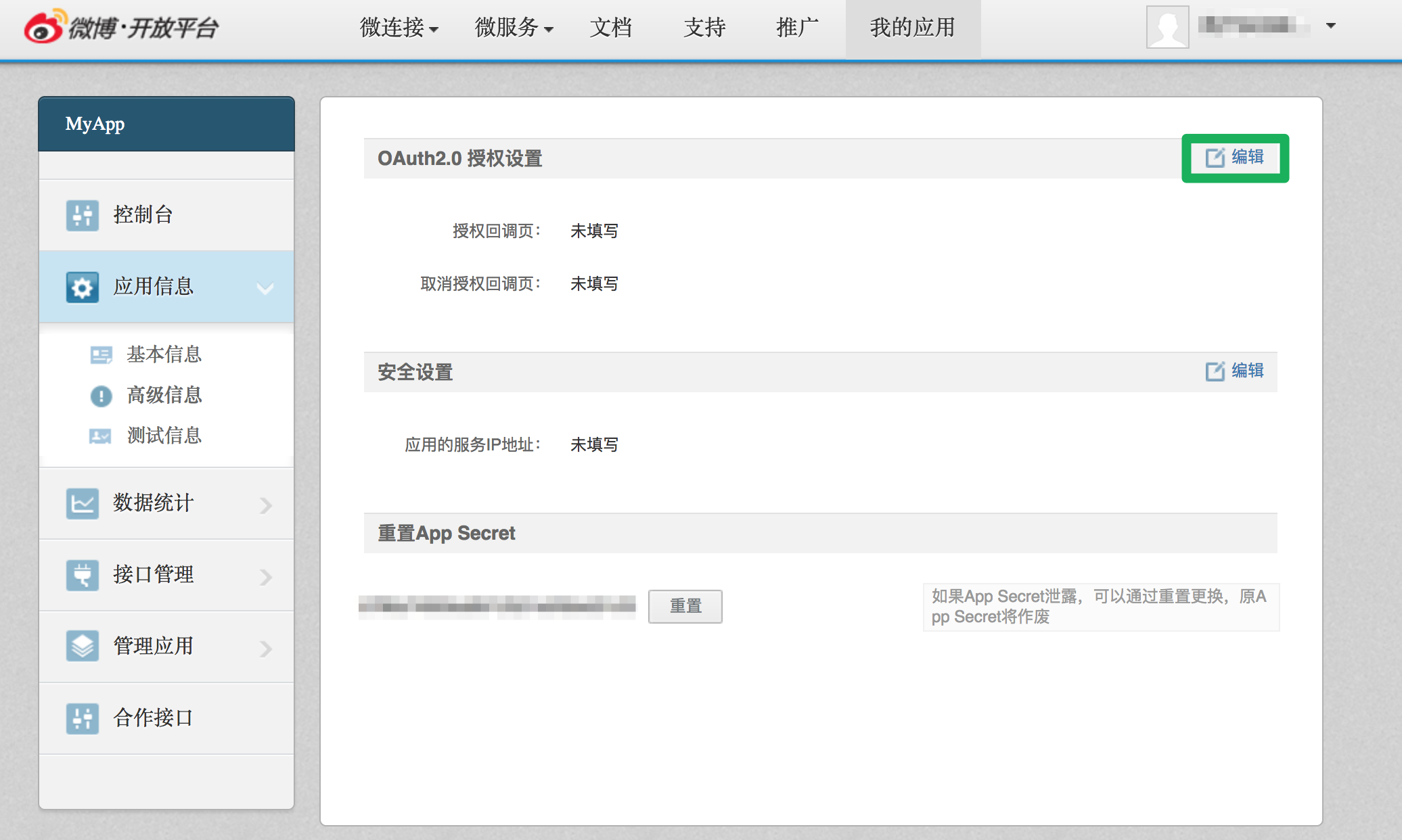
Edit OAuth2 configuration.
In the two inputs under OAuth2, add https://YOUR_PURSE_IDENTITY_DOMAIN/login/callback, where YOUR_PURSE_IDENTITY_DOMAIN is your Purse Identity domain.
You can’t add staging AND production URL. You need to create another app for staging purpose.
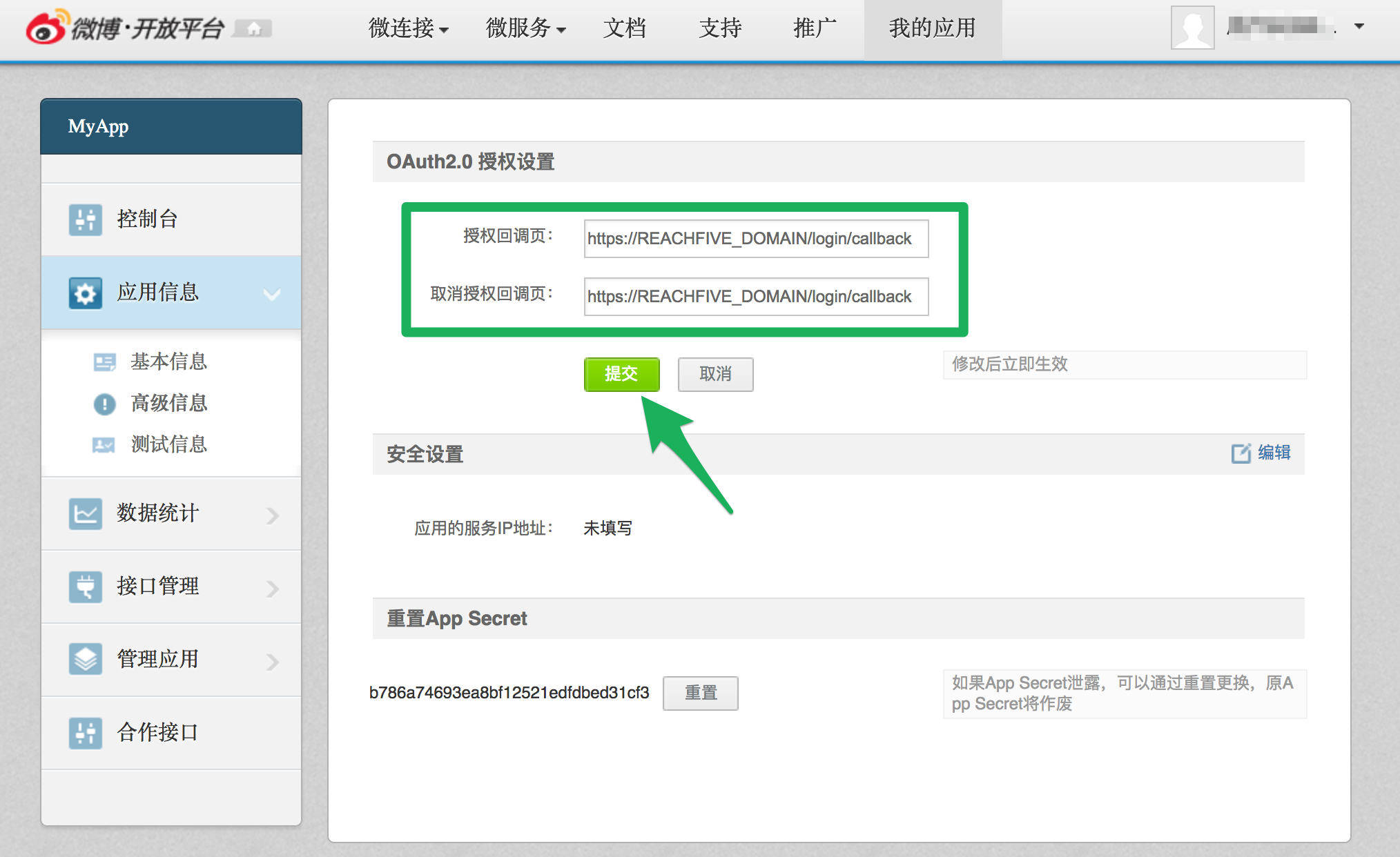
Click the green button.